
WordPress Development Mistakes That Create Long-Term Risk
Common WordPress development mistakes that cause slow performance, security issues, and difficult maintenance usually begin with decisions that appear convenient at launch: installing another plugin instead of defining the requirement, editing a live theme directly, accepting unreviewed code, giving every contributor administrator access, or postponing backups and documentation. The immediate website may work, but each shortcut increases the cost and risk of the next update, feature, incident, or handover.
The practical response is not to remove every plugin or rebuild every site. Start by identifying which problems are architectural, which are operational, and which can be corrected through focused remediation. Measure performance, inventory the software and custom code, review access and security controls, test recovery, and document how changes move from development to production.
For business owners and technology leaders, the core decision is whether the site is safe and maintainable enough to improve, needs phased modernization, or should be rebuilt under stronger technical controls. This guide explains the mistakes that matter most and how to make that decision without relying on generic optimization advice.
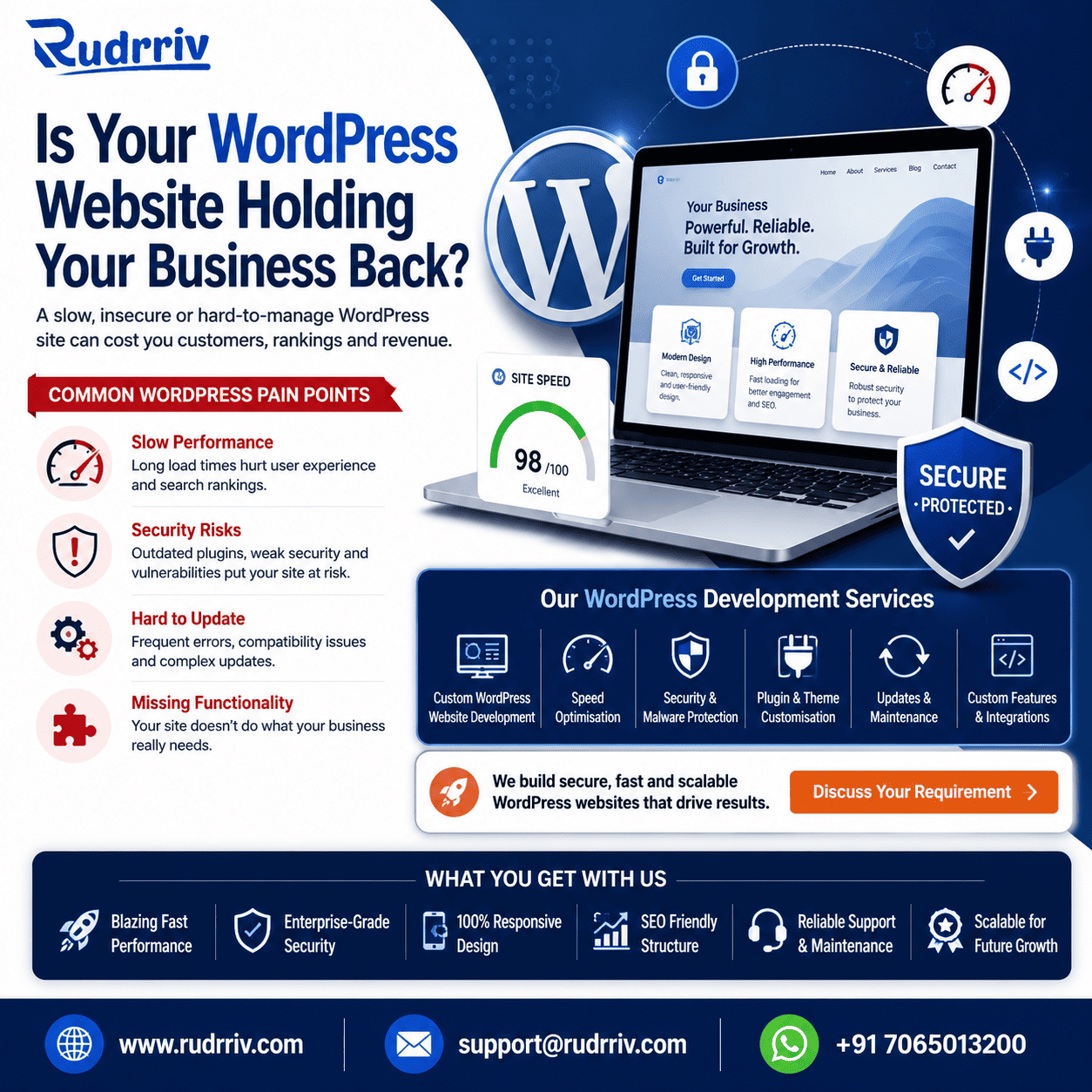
Quick Answer: Which WordPress Mistakes Matter Most?
The highest-risk WordPress mistakes are uncontrolled plugin and theme choices, direct production changes, insecure custom code, absent staging and rollback, oversized front-end assets, inefficient database work, excessive user privileges, and undocumented ownership. These mistakes interact: a plugin-heavy site becomes harder to test, delayed updates increase exposure, and weak documentation makes recovery and handover slower.
Prioritize evidence over assumptions. Record baseline page and server performance, review errors and slow queries, list every plugin and integration, inspect custom code for WordPress security practices, verify backups by restoring them, and map who owns hosting, DNS, repositories, licences, and administrator accounts.
Repair is suitable when the architecture is understandable and supported. Modernization is better when specific components are obsolete. A rebuild is justified when updates are unsafe, customizations are untraceable, or the current platform cannot meet security and performance requirements without repeated workarounds.
Key Takeaways
- Plugin quantity is not the only issue: overlapping features, poor code, external requests, and abandoned maintenance create the real burden.
- Updates require engineering discipline: staging, backups, acceptance tests, rollback, and change records reduce avoidable outages.
- Security belongs in custom development: validate and sanitize input, escape output, check capabilities, use safe database APIs, and control file uploads.
- Performance must be measured by layer: hosting, PHP, database, WordPress execution, media, scripts, and third-party services can each create delay.
- Maintainability is an ownership outcome: repositories, licences, accounts, documentation, and handover matter as much as code quality.
- Technical debt should be prioritized by business risk: fix vulnerabilities and failure points before cosmetic optimization.
- Rebuild only after diagnosis: many sites can be stabilized through a controlled audit and phased remediation plan.
Table of Contents
- How WordPress shortcuts become business risks
- Performance mistakes that compound over time
- Security mistakes in plugins, themes, and code
- Maintenance mistakes that block safe updates
- Diagnostic matrix: symptom, cause, and action
- Practical examples from business websites
- A safer implementation and recovery process
- Repair, modernize, or rebuild?
- Summary and next action
How WordPress Shortcuts Become Business Risks
A WordPress site becomes difficult to manage when the team cannot explain how it works, test changes safely, or recover it predictably. Technical debt is not simply old code. It is the accumulated cost of unclear decisions, duplicated functionality, missing controls, and dependencies that nobody actively owns.
For example, a page builder, theme framework, optimization plugin, security plugin, form platform, analytics injector, and custom snippets tool may all change the same page output. A simple design update can then require testing across several overlapping systems. When documentation is missing, the safest person is often afraid to update anything, which creates a second risk: known security and compatibility fixes remain unapplied.
Decision rule: treat any component as technical debt when the business cannot identify its purpose, owner, update path, test method, and removal impact.
WordPress itself recommends a security mindset that does not trust input, relies on WordPress APIs, and keeps code current. Its hardening guidance also emphasizes trusted software sources, updates, backups, access limitation, monitoring, and recovery preparation. These are development and operating responsibilities, not optional tasks after launch.
Performance Mistakes That Compound Over Time
Installing overlapping plugins without a capability plan
Plugins are valuable, but each one adds code, configuration, updates, and potential interactions. The mistake is installing by feature name rather than mapping the required capability. Two plugins may both add schema, caching, redirects, image processing, or security headers. Their overlap can create duplicated output, extra database work, conflicting rules, and unclear ownership.
Maintain a plugin register with purpose, owner, source, licence, renewal date, data handled, pages affected, and replacement risk. Remove inactive software rather than merely deactivating it, after confirming that stored data or shortcodes will not be lost.
Loading assets everywhere
A common theme or plugin error is enqueuing scripts and styles on every page even when a feature appears only in one area. Another is loading multiple font files, icon libraries, sliders, tracking scripts, and chat widgets before the visitor needs them. The result is more network work, main-thread execution, and layout instability.
Load assets conditionally, use responsive images, compress media appropriately, and review third-party code as part of the performance budget. Caching cannot fully solve unnecessary JavaScript or an external service that responds slowly.
Treating the database as unlimited storage
Transient data, session records, revisions, logs, abandoned plugin tables, and autoloaded options can grow silently. Inefficient custom queries may scan more rows than necessary or run repeatedly inside loops. On ecommerce and membership sites, scheduled actions and background jobs can become significant workloads.
Profile slow requests and queries before deleting data. Define retention rules, indexes, batch processes, cron ownership, and safe cleanup procedures. Database optimization should be repeatable and documented, not a one-time manual purge.
Security Mistakes in Plugins, Themes, and Code
Trusting input and escaping too early
Custom WordPress code should assume that request values, stored database content, API responses, file metadata, and user-provided text may be unsafe. Validate against the expected format, sanitize when accepting data, and escape at the point of output for the correct context. WordPress provides functions and APIs for these tasks; bypassing them creates avoidable injection and cross-site scripting risk.
Using nonces as permission checks
A nonce helps confirm intent and reduce cross-site request forgery, but it does not prove that a user is authorized to perform an action. Sensitive operations also require role or capability checks. AJAX and REST endpoints need the same controls as visible administration screens.
Building unsafe uploads and database queries
Upload handlers should restrict file types, verify permissions, use WordPress media functions where appropriate, and avoid trusting a filename or MIME value supplied by the client. Database operations should use the WordPress database API and prepared statements for variable input. Secrets should not be committed to public repositories or exposed in front-end code.
Leaving obsolete software and excessive access
Outdated plugins, themes, WordPress core, PHP, and server software increase exposure and compatibility risk. Unused plugins should be deleted. Administrator access should be limited to people who need it, with individual accounts and strong authentication. Shared credentials make accountability, revocation, and incident review much harder.
Maintenance Mistakes That Block Safe Updates
The most expensive WordPress maintenance mistake is operating production as the development environment. Direct edits create no reliable history, incomplete fixes, and no repeatable path for the next release. When an update fails, the team may not know which files changed or how to restore the previous state.
- Use version control for custom themes, plugins, configuration templates, and deployment scripts.
- Maintain a staging environment that reflects production closely enough to test meaningful changes.
- Take backups before risky changes and test that backups can be restored.
- Define acceptance checks for forms, checkout, login, search, email, integrations, analytics, and scheduled jobs.
- Record changes, approvals, deployment time, result, and rollback status.
- Keep production debugging and display errors disabled while retaining appropriate server-side logging.
Direct edits to a parent theme are especially fragile because updates can overwrite them. Use a child theme or a dedicated plugin for stable custom behavior. Avoid placing unrelated business logic in theme templates; presentation and durable functionality should remain separable.
Diagnostic Matrix: Symptom, Cause, and Action
This matrix helps teams move from visible symptoms to evidence-based investigation. Several causes may exist at the same time, so confirm them with profiling, logs, controlled tests, and staging changes.
| Observed problem | Likely development mistake | Evidence to collect | Priority action |
|---|---|---|---|
| Slow first response | Inefficient PHP, database queries, uncached dynamic work, limited server resources | Server timing, PHP profiling, slow-query log, cache status | Identify the slow execution path before changing hosting |
| Heavy or unstable pages | Unconditional assets, oversized media, excessive third-party scripts | Request waterfall, transfer size, main-thread work, layout shifts | Remove, defer, conditionally load, and compress |
| Updates frequently break the site | Direct edits, obsolete dependencies, no staging, weak regression tests | File differences, version history, compatibility warnings, error logs | Create a controlled update and rollback process |
| Security incidents or suspicious accounts | Old software, weak access control, insecure endpoints, shared credentials | User audit, plugin versions, logs, file integrity, endpoint review | Contain, investigate, patch, rotate access, and monitor |
| Admin dashboard becomes slow | Background jobs, autoloaded data, plugin notices, external calls | Cron queue, options data, network calls, admin request profile | Reduce unnecessary jobs and repair the responsible component |
| No one can safely change the site | Undocumented custom code, missing repository, unclear ownership | Code inventory, account ownership, licence list, deployment history | Stabilize ownership and documentation before new features |
Fix security exposure and recovery gaps first. Then address performance bottlenecks that affect revenue, operations, or customer experience. Cosmetic code cleanup should not displace urgent controls.
Practical Examples From Business Websites
Example 1: Ecommerce site with an expanding plugin stack
An ecommerce team adds separate plugins for promotions, filters, reviews, analytics, feeds, checkout fields, email capture, and speed optimization. The mistaken assumption is that each feature remains isolated. In practice, several plugins load code on every product page and multiple tools modify checkout behavior.
The better decision is a capability and dependency audit. Keep essential, supported components; consolidate overlapping functions; test checkout under realistic traffic; and assign ownership for updates and renewals. Specialist guidance may help profile database and front-end behavior without disrupting transactions.
Example 2: Professional-service site edited directly in production
A small firm relies on a developer who modifies the live parent theme and stores snippets in the administration panel. The site works until a theme update removes custom templates. The better decision is to recover the customizations into version control, implement them through a child theme or plugin, create staging, and document deployment and rollback.
Example 3: Membership platform with insecure custom endpoints
A membership platform adds AJAX actions for profile changes and data exports. The code checks a nonce but does not verify user capabilities consistently. The better decision is a security review covering authorization, validation, sanitization, output escaping, rate limits, logging, and data minimization before adding more features.
Example 4: Enterprise content site with unclear ownership
Several agencies have worked on the site, but the business does not control all plugin licences, repositories, DNS records, and administrator accounts. Performance improvements stall because no team knows which integrations are safe to remove. The better decision is an ownership and handover programme before a redesign: consolidate accounts, document systems, revoke obsolete access, and establish one release process.
A Safer Implementation and Recovery Process
A maintainable WordPress workflow makes change predictable rather than risk-free. Begin with a scoped requirement and acceptance criteria. Build or configure in a controlled environment. Review custom code. Test business-critical journeys. Back up production. Deploy through a repeatable process. Monitor the result and retain a rollback point.
Recovery must be tested, not assumed. A backup that cannot be restored within the required business timeframe is not an adequate recovery control. Store copies separately from the live server, protect access, define retention, and rehearse restoration for critical sites.
Repair, Modernize, or Rebuild?
Repair when the site uses supported software, customizations can be understood, and problems are concentrated in identifiable components. A repair plan may remove duplication, correct insecure code, optimize key queries, improve assets, and establish deployment controls.
Modernize in phases when the core business content and data remain valuable but the theme, builder, integrations, or infrastructure need replacement. Phasing can reduce migration risk by separating urgent security and performance work from longer design or platform changes.
Rebuild when the current system cannot be updated safely, custom code lacks a recoverable source, dependencies are abandoned, security confidence is low, or repeated repairs would preserve the same structural constraints. A rebuild still requires content, data, URL, SEO, integration, accessibility, analytics, and handover planning.
Before approving any option, compare total effort across discovery, remediation or build, migration, testing, training, licences, hosting, monitoring, maintenance, and future change. The cheapest initial proposal may not be the lowest-risk operational choice.
Summary: Prevent WordPress Problems Before They Compound
WordPress is maintainable when the implementation is understandable, dependencies are intentional, custom code follows secure practices, updates are testable, performance is measured, and the business owns its accounts and assets. Slow performance, security weaknesses, and difficult maintenance are often symptoms of the same underlying problem: changes were made without a durable operating model.
Start with a technical audit rather than a blanket rebuild. Confirm software versions, plugin purposes, custom code, user access, performance bottlenecks, database growth, backup recovery, environments, repositories, licences, and ownership. Use the evidence to prioritize containment, stabilization, remediation, modernization, or replacement.
Rudrriv can support a defined WordPress audit, performance or security remediation project, technical discovery, quality assurance, migration planning, dedicated development capacity, or ongoing maintenance where those services directly match the diagnosed need.
FAQs on WordPress Development Mistakes
What are the most common WordPress development mistakes?
The most damaging mistakes are choosing too many overlapping plugins, editing a parent theme directly, writing insecure custom code, skipping staging and backups, using oversized media, ignoring database growth, granting excessive access, and launching without a documented update and maintenance process. These choices often create performance, security, and ownership problems later.
Can too many WordPress plugins slow down a website?
Yes, but the number alone is not the full issue. A small set of poorly built or overlapping plugins can add database queries, scripts, styles, scheduled tasks, external requests, and administration complexity. Review what each plugin loads, whether functions overlap, and whether the plugin is actively maintained.
Why is editing a WordPress parent theme a maintenance mistake?
Direct edits to a parent theme can be overwritten during updates, making fixes fragile and discouraging future patching. Use a child theme, a purpose-built plugin, or an approved customization method so updates and custom work remain separate and traceable.
Which WordPress coding mistakes create security risks?
Common risks include trusting user input, failing to validate and sanitize data, failing to escape output, missing capability checks, relying on a nonce as authorization, using unsafe database queries, exposing secrets, and allowing unrestricted file uploads. WordPress APIs should be used wherever they provide safer handling.
How do I know whether a slow WordPress site has a hosting or development problem?
Measure before changing providers. Check server response time, uncached and cached page behavior, PHP and database resource limits, slow queries, plugin execution, external requests, image weight, and front-end assets. Hosting may be part of the problem, but inefficient themes, plugins, queries, and integrations can remain slow on stronger infrastructure.
Should WordPress updates be tested before deployment?
For a business-critical site, yes. Test WordPress core, plugin, theme, and PHP changes in staging with a recent copy of the site. Check key forms, checkout, login, search, integrations, scheduled jobs, analytics, and error logs before promoting the update to production.
How often should a WordPress website be maintained?
The cadence should reflect business risk and site activity. Security updates may require prompt action, while routine checks can run weekly or monthly. A maintenance plan should cover backups, updates, uptime, security monitoring, performance, form and transaction tests, logs, expired accounts, and recovery exercises.
What should be documented in a WordPress handover?
Document hosting and DNS ownership, environments, repositories, deployment steps, plugin and theme inventory, licences, custom code, integrations, scheduled jobs, backup and restore procedures, user roles, monitoring, known issues, renewal dates, and emergency contacts. Credentials should be transferred through a secure method, not embedded in documents.
When should a business rebuild instead of repairing a WordPress site?
A rebuild becomes reasonable when the current architecture blocks updates, custom code is undocumented, the theme or builder is abandoned, security cannot be restored confidently, performance problems are structural, or repair costs approach the cost of a controlled replacement. A technical audit should compare repair, phased modernization, and rebuild options.
How can Rudrriv help with WordPress performance and maintenance problems?
Rudrriv can support technical discovery, WordPress audits, performance remediation, secure development, migration planning, quality assurance, defined repair projects, dedicated specialists, and ongoing maintenance. The appropriate model depends on the site’s risk, custom functionality, internal capacity, and required response time.
Need a Clear WordPress Remediation Plan?
Share the website’s current symptoms, business-critical journeys, hosting environment, plugin and theme inventory, custom functionality, and maintenance constraints. Rudrriv can help assess whether focused repair, phased modernization, or a controlled rebuild is the more appropriate next step.
Discuss your requirementAt Rudrriv, we make it easier for businesses to access the right expertise, execute important work, and scale with confidence.