
How to Integrate Data Analytics with Existing CRM Systems
How to integrate data analytics solutions with existing CRM systems begins with a business decision, not a connector. Identify the questions your teams cannot answer reliably, define the customer and revenue measures required, and then choose the lightest integration architecture that can deliver trusted data at the necessary speed. For many organisations, that means starting with a governed extract of selected CRM objects rather than copying the entire system or replacing it.
The central choice is whether analytics should remain inside the CRM, connect directly to a business-intelligence tool, or move through a data platform that combines CRM information with finance, product, ecommerce, marketing, and service data. The correct answer depends on data scope, refresh frequency, user behaviour, security, historical analysis, technical capacity, and the cost of ongoing maintenance.
The main caution is data trust. A technically successful pipeline can still produce misleading dashboards when records are duplicated, stages are inconsistently used, field definitions differ by team, or ownership is unclear. Integration therefore requires data mapping, metric governance, access controls, monitoring, and user validation alongside API or connector work.
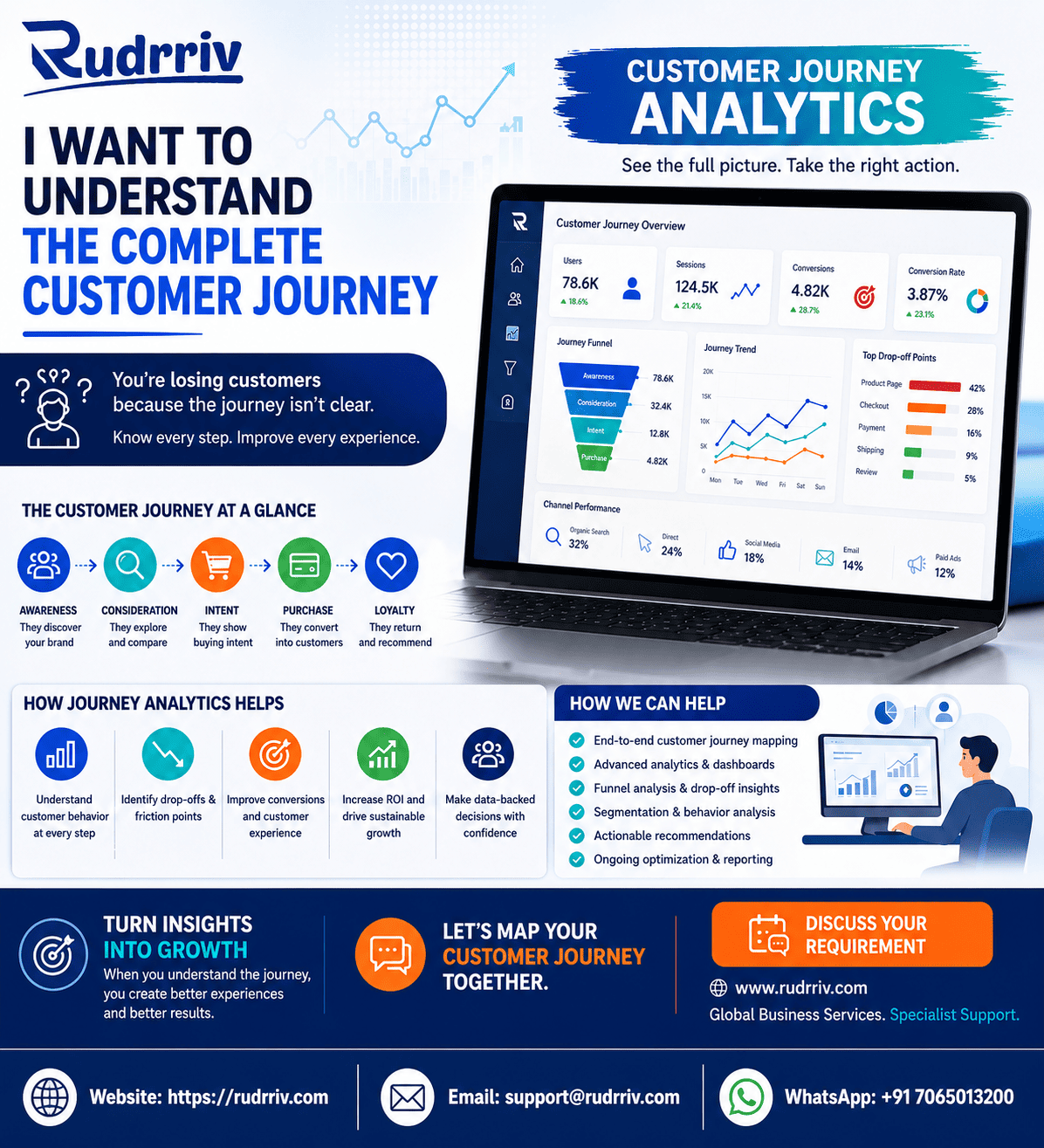
Quick Answer: Integrating CRM and Data Analytics
Use CRM-native reporting when most required information already sits in the CRM and frontline teams need operational dashboards. Use a direct BI connector when the data model is manageable, refresh needs are moderate, and the analytics tool can safely query the CRM without affecting operations. Use an ETL or ELT pipeline and a governed warehouse when analysis must combine several systems, preserve history, support advanced modelling, or serve many teams.
Begin with one decision area—such as pipeline quality, campaign-to-revenue attribution, customer retention, or service performance. Map the required CRM objects and identifiers, define each metric, create a controlled data flow, test results against source records, and release a limited dashboard to representative users. Expand only after accuracy, security, performance, and ownership are accepted.
Key Takeaways
- Start with decisions: define the questions and actions before selecting connectors or dashboards.
- Choose the simplest workable pattern: native analytics, direct BI, warehouse-based integration, or event streaming should match the real requirement.
- Integrate selected data first: copying every CRM field increases cost, security exposure, and maintenance.
- Govern metrics and identities: shared definitions and stable customer, account, and opportunity keys are essential.
- Match refresh speed to action: daily, hourly, or near-real-time updates should reflect decision urgency.
- Validate with users: dashboards are useful only when teams understand and trust them.
- Plan ongoing ownership: CRM changes, API limits, failed jobs, data quality, and access require continuous control.
Table of Contents
- Choose the right integration architecture
- Define a trusted CRM analytics foundation
- Map CRM data to business decisions
- Compare integration patterns
- Implement the integration in phases
- Control data quality, identity, and history
- Plan cost, resources, and maintenance
- Secure and monitor the data flow
- Apply the model to practical scenarios
- Summary and implementation checklist
Choose the Right CRM Analytics Architecture
The best architecture is the least complex design that can answer the required questions reliably. A sales manager reviewing current opportunities may be well served by native CRM reports. A leadership team combining pipeline, recognised revenue, product usage, and support risk usually needs a separate analytical layer.
| Integration pattern | Best fit | Main advantage | Main limitation |
|---|---|---|---|
| CRM-native analytics | Operational reporting from CRM data | Low friction for CRM users | Limited cross-system analysis and historical modelling |
| Direct BI connector | Moderate data volumes and a small number of dashboards | Fast implementation with fewer components | Source performance, API limits, and transformation complexity |
| Scheduled ETL or ELT | Multi-source analytics, governed history, and wider reuse | Scalable transformation and consistent metrics | More engineering, monitoring, and platform cost |
| Event or streaming integration | Time-sensitive alerts, routing, and next-best actions | Low-latency decisions | Highest operational complexity and error-handling burden |
| Reverse ETL to CRM | Sending model outputs or segments back to users | Makes analytics actionable in the CRM workflow | Requires careful write-back rules and ownership |
A hybrid is common: scheduled CRM data moves to a warehouse for reporting, while approved segments, scores, or alerts return to the CRM. This separates analytical processing from operational records while keeping insights visible where teams work.
Define a Trusted CRM Analytics Foundation
Reliable integration requires a data contract: a documented agreement covering source objects, fields, meanings, owners, refresh schedules, transformations, quality checks, and permitted uses. Without it, teams can build technically correct reports that disagree because “customer,” “active opportunity,” or “revenue” means something different to each department.
Establish stable identifiers
Preserve CRM record IDs and define how they connect to customer, account, transaction, campaign, and support identifiers in other systems. Email address alone is rarely a safe master key because addresses change, are shared, or appear more than once. Where matching is uncertain, retain confidence indicators and exception queues instead of forcing a merge.
Preserve business history
Many CRMs store the current value of a field but not every state required for trend analysis. If leaders need to know how opportunity stages, owners, forecasts, or customer health changed over time, the integration should create dated snapshots or capture change events. Historical design should be decided before the first load.
Map CRM Data to Business Decisions
Begin with a decision-to-data map. For each question, identify who acts, how frequently they act, the metric required, the CRM fields involved, the supporting external data, and the acceptable delay.
| Decision | CRM data | Other data | Typical refresh |
|---|---|---|---|
| Which opportunities need attention? | Stage, amount, owner, activity, close date | Product engagement or support risk | Hourly or several times daily |
| Which campaigns create qualified pipeline? | Lead source, campaign, opportunity, outcome | Advertising cost and web analytics | Daily |
| Which customers are at retention risk? | Account, renewal date, contacts, cases | Usage, billing, satisfaction signals | Daily or near real time |
| How accurate is the sales forecast? | Stage history, probability, amount, close date | Targets and recognised revenue | Daily |
This mapping prevents two common failures: collecting data that nobody uses and building dashboards whose refresh speed is unrelated to the action they support.
Compare CRM Integration Patterns
Native connectors are usually the fastest route, but convenience should not replace evaluation. Confirm which objects and fields are supported, whether incremental loads are available, how deleted records are handled, how API limits are managed, and whether the connector preserves source timestamps.
Direct API integration offers more control. Official documentation such as the Salesforce REST API guide, the HubSpot CRM API documentation, and the Microsoft Dataverse Web API overview should be used to verify authentication, pagination, limits, change tracking, and supported operations for the selected CRM.
ETL extracts and transforms data before loading it. ELT loads source data first and performs transformations in the analytical platform. ELT can preserve raw history and support reuse, while ETL can reduce unnecessary data exposure. The choice should reflect governance, platform capability, skill availability, and audit requirements.
Implement CRM Analytics in Controlled Phases
A phased implementation reduces risk and produces evidence before a large investment.
- Define the decision and success criteria. Select one measurable use case and name the users who will act on it.
- Profile the CRM data. Inspect completeness, duplicates, field usage, timestamps, picklists, ownership, and historical availability.
- Design the data model. Map objects, keys, relationships, transformations, and metric definitions.
- Set access and retention rules. Exclude unnecessary sensitive fields and document who can view detailed or aggregated data.
- Build a pilot pipeline. Load a limited period and a controlled set of records.
- Reconcile results. Compare counts and values with CRM reports and sample individual records.
- Test with users. Verify that dashboards support real decisions and expose uncertainty appropriately.
- Operationalise. Add scheduling, monitoring, alerts, documentation, ownership, and change control.
Practical rule: do not scale the integration until source-to-dashboard reconciliation is repeatable and the business owner accepts the metric definitions.
Control Data Quality, Identity, and History
CRM analytics quality depends on operational behaviour. Required fields, stage definitions, lead-source rules, duplicate management, and timely activity recording influence every downstream result. Analytics teams should measure these conditions rather than hide them.
- Report completeness for critical fields by team or process.
- Track duplicate candidates and unresolved identity matches.
- Validate allowed values and date logic before transformation.
- Separate source values from corrected analytical values.
- Record transformation versions so changes can be explained.
- Maintain a business glossary for shared measures.
When data is corrected in the analytical layer, decide whether the CRM should also be updated. Reverse writes can improve operations, but they require explicit ownership, conflict rules, audit logs, and safeguards against overwriting valid user changes.
Plan Cost, Resources, and Maintenance
Budget should cover the full operating model, not only initial dashboard creation. Typical cost drivers include connector or API work, data-platform licences, storage and processing, transformation development, data-quality remediation, identity matching, security review, dashboard design, testing, user training, monitoring, and ongoing support.
A small team can often launch a focused pilot with a CRM administrator, analytics lead, business owner, and part-time engineering support. Multi-system or enterprise implementations may also require data engineering, security, privacy, architecture, quality assurance, and change-management roles.
Maintenance effort rises with the number of fields, objects, systems, users, and refresh cycles. CRM administrators should notify the analytics owner before renaming fields, changing picklist values, deleting objects, altering permissions, or installing packages that modify the schema.
Secure and Monitor the CRM Data Flow
Use least-privilege access, separate service accounts, encrypted transport, protected secrets, audit logs, and environment separation. The NIST Privacy Framework provides a useful structure for identifying and managing privacy risk around customer data.
Monitoring should cover data freshness, job failures, API errors, schema changes, row-count anomalies, duplicate rates, null rates, transformation tests, dashboard load performance, and unauthorised access. Alerts should route to named owners with severity and response expectations.
Measure adoption as well as technical health. A dashboard that refreshes perfectly but is not used may indicate weak relevance, confusing definitions, poor placement in the workflow, or insufficient training.
Practical CRM Analytics Scenarios
Example 1: An SMB needs reliable pipeline visibility
A growing services company uses CRM reports, spreadsheets, and manual sales updates. Leaders initially assume they need a new CRM. Data profiling shows the existing system contains the necessary opportunities and activities, but stage definitions and close dates are inconsistent. The better decision is to standardise the process, create daily snapshots, and build a focused BI dashboard. Replacement can be reconsidered only if operational limitations remain.
Example 2: Ecommerce teams need customer-level insight
An ecommerce business wants lifetime value and campaign attribution inside the CRM. The CRM holds contacts and campaigns, while the commerce platform holds orders and refunds. A warehouse-based model is more suitable than direct CRM reporting because identities must be matched and transaction history retained. Approved customer segments can then be returned to the CRM for service and marketing workflows.
Example 3: An enterprise wants near-real-time risk alerts
A subscription company wants account managers alerted when product usage falls sharply and unresolved support cases rise. A daily dashboard is too slow for the intended action. Event or frequent incremental integration is justified, but only for the required signals. The team should define thresholds, false-positive handling, write-back ownership, and alert suppression before launch.
Summary and CRM Integration Checklist
Integrating analytics with an existing CRM is usually preferable to replacing the CRM when the operational system still meets core needs. Use native analytics for contained operational reporting, a direct connector for modest cross-analysis, and a governed data platform when multiple systems, historical analysis, advanced models, or enterprise reuse are required.
Before implementation, confirm the decision, users, fields, identifiers, metric definitions, refresh frequency, security rules, history requirements, data owners, reconciliation method, monitoring plan, budget, timeline, quality assurance, and handover responsibilities. Start with a limited use case and scale only after accuracy and adoption are demonstrated.
- The business question and action are explicitly defined.
- Only necessary CRM data is included in the first release.
- Customer, account, and opportunity identifiers are mapped.
- Metric definitions have named business owners.
- Refresh speed matches the decision urgency.
- Access, retention, and sensitive fields are controlled.
- Source-to-dashboard reconciliation is documented.
- Pipeline failures and schema changes are monitored.
- Users have tested the dashboard in real workflows.
- Ongoing maintenance and change ownership are funded.
FAQs on CRM and Data Analytics Integration
How do you integrate data analytics solutions with existing CRM systems?
Start by defining the business questions, mapping CRM objects and fields, and selecting an integration pattern such as native reporting, direct API access, scheduled ETL or ELT, or a governed data warehouse. Build a small pilot with agreed metrics, validate data quality and access controls, then expand only after users trust the results.
Should analytics run inside the CRM or in a separate platform?
Use CRM-native analytics when the required data is mostly inside the CRM and users need operational dashboards close to their daily workflow. Use a separate analytics platform when you must combine CRM data with finance, product, ecommerce, support, advertising, or external datasets, or when advanced modelling and historical analysis are important.
What CRM data should be integrated first?
Begin with the minimum fields needed for a high-value decision: account, contact, lead, opportunity, activity, campaign, owner, stage, amount, timestamps, source, and outcome fields. Avoid copying every available field. A smaller governed dataset is easier to validate, secure, document, and maintain.
How often should CRM data refresh in an analytics system?
Refresh frequency should follow the decision being supported. Executive and trend reporting may need daily updates; sales operations may need hourly updates; routing, fraud, or next-best-action use cases may need near-real-time events. Faster refresh increases cost and operational complexity, so do not use real time without a clear business requirement.
How can duplicate and incomplete CRM records be handled?
Define matching rules, survivorship rules, mandatory fields, standard formats, and exception workflows before relying on dashboards. Preserve source identifiers, flag uncertain matches, and report data-quality indicators alongside business metrics. Do not silently merge records when the evidence is weak.
What security controls are needed for CRM analytics integration?
Use least-privilege service accounts, OAuth or another approved authentication method, encrypted transport, field-level restrictions, audit logs, data-retention rules, and separate development and production credentials. Sensitive customer fields should be excluded, masked, or aggregated unless a documented use case requires them.
How much does CRM analytics integration cost?
Cost depends on the number of CRM objects, data volume, refresh frequency, source systems, required dashboards, data-quality work, security controls, and support model. A focused pilot can clarify the true effort. Compare total ownership cost, including connectors, warehouse or BI licences, monitoring, maintenance, testing, and change management.
Can an existing CRM be integrated without replacing it?
Yes. Most organisations can retain the current CRM and connect it through native connectors, APIs, event streams, or scheduled data pipelines. Replacement is usually justified only when the CRM itself cannot support core operational needs, governance, scalability, or integration requirements—not merely because reporting is weak.
What are the most common CRM analytics integration mistakes?
Common mistakes include starting with tools instead of decisions, copying all CRM fields, ignoring data ownership, using inconsistent metric definitions, building real-time pipelines without need, bypassing access controls, and launching dashboards without user validation. A pilot and documented data contract reduce these risks.
How should an organisation maintain the integration after launch?
Assign owners for source fields, pipelines, metrics, dashboards, security, and incident response. Monitor failed jobs, schema changes, API limits, data freshness, duplicate rates, and dashboard usage. Review definitions and access periodically, and test CRM changes before they reach production analytics.
Need Help Planning CRM Analytics Integration?
Rudrriv can support technical discovery, CRM data assessment, analytics architecture, dashboard planning, data engineering, quality assurance, and ongoing data operations through a defined project, dedicated specialist, or managed team. The first step is to clarify the decision, systems, data quality, users, security constraints, and desired refresh frequency.
Discuss your data and AI requirementAt Rudrriv, we make it easier for businesses to access the right expertise, execute important work, and scale with confidence.