
How to Develop a Custom Application Using a Platform API
To understand how to develop a custom application using the platform's API, begin with a business workflow rather than code. Define the exact user action the application must complete, verify that the platform exposes every required read and write operation, and test the riskiest interaction through a small proof of concept. The main caution is that a well-documented API may still lack a critical field, permission, event, regional capability, or production access route.
A custom API application can be a responsive web interface, a progressive web application, a mobile app, an internal dashboard, an automation service, or a combination of these. The interface should follow user behavior; the integration architecture should protect credentials, enforce permissions, handle rate limits, and survive platform failures. Do not choose a mobile app merely because the platform has an API, and do not expose privileged credentials in browser or distributed mobile code.
The practical starting point is a one-page integration brief: users, triggering event, required platform records, actions, authentication, expected volume, response-time needs, failure handling, ownership, and acceptance criteria. That brief gives product, design, engineering, security, and procurement teams a shared basis for deciding whether the API is suitable and what must be built around it.
Quick Answer: Building with a Platform API
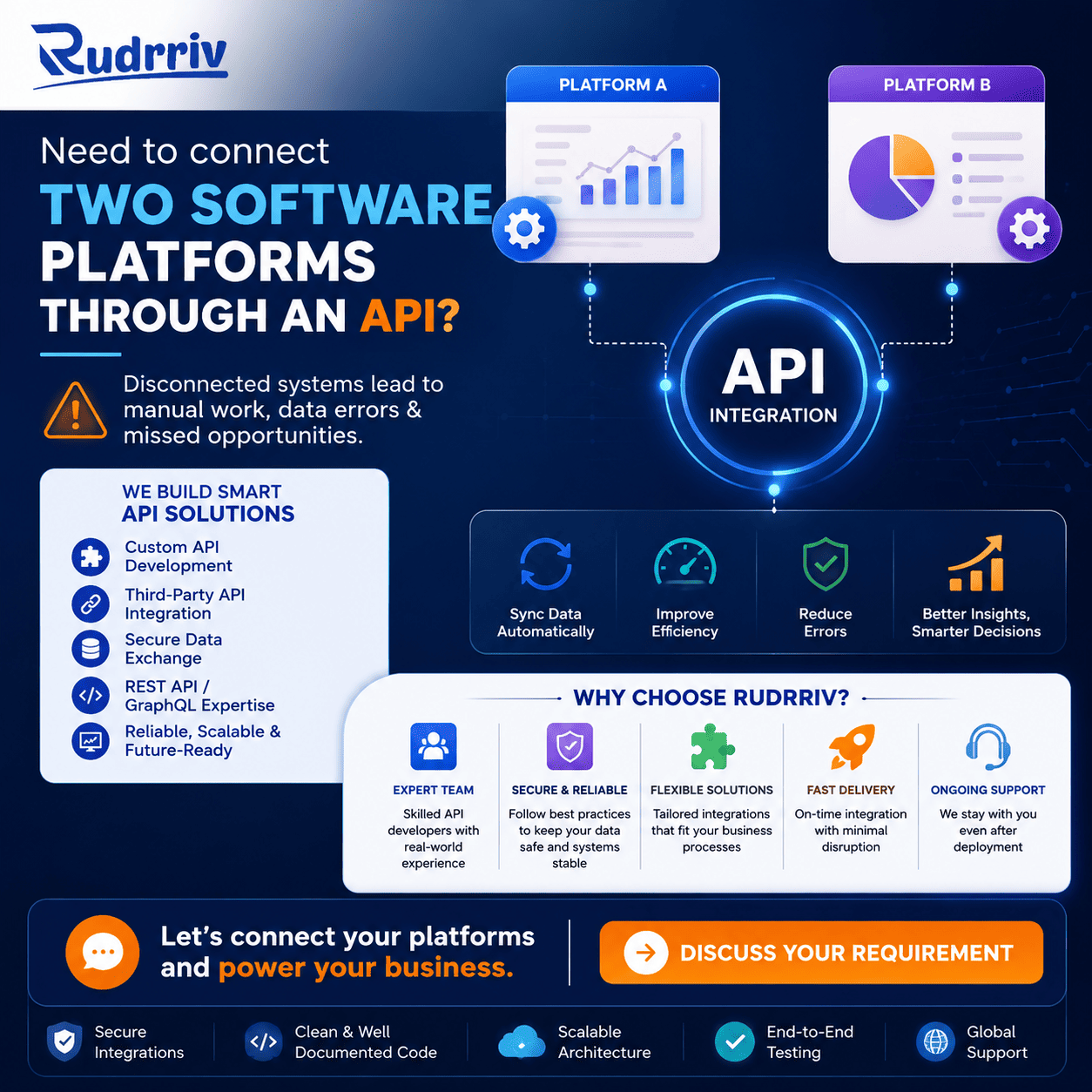
Develop the application in five evidence-based stages: validate API suitability, design the secure integration boundary, build one end-to-end workflow, test failure and permission scenarios, and then prepare production monitoring and maintenance. The application should not move into full UI development until the team has successfully authenticated, retrieved representative data, completed the most important write action, and confirmed the platform's production approval process.
Use a backend integration service when calls require secrets, privileged scopes, sensitive data, complex transformation, or reliable background processing. The web, PWA, or mobile interface should call your backend, which then communicates with the platform API. Direct client calls are appropriate only where the platform explicitly supports public clients and the security model remains acceptable.
Before launch, confirm rate limits, retries, idempotency, webhook verification, token expiry, audit logging, support ownership, and the response to API downtime or deprecation. A successful demo proves that a call works; a production-ready application proves that the workflow remains controlled when calls fail.
Key Takeaways
- Validate the workflow first: every critical user action must map to supported API endpoints, events, permissions, and data.
- Keep secrets out of clients: privileged tokens and server credentials normally belong in a protected backend or secret store.
- Prototype the highest-risk path: test authentication, one read, one write, error handling, and production approval before building the full interface.
- Design for limits and failures: rate limits, retries, duplicate events, partial responses, and outages are normal integration conditions.
- Choose the interface by behavior: responsive web, PWA, and mobile apps can use the same backend integration but serve different usage patterns.
- Plan maintenance from day one: API versions, scopes, SDKs, certificates, and platform policies change after launch.
- Define ownership and handover: credentials, source code, infrastructure, documentation, dashboards, and platform accounts should remain controlled by the business.
Table of Contents
- Confirm the API can support the workflow
- Choose the application and integration architecture
- Define authentication, permissions, and data rules
- Build and validate one complete workflow
- Compare web, PWA, mobile, and backend roles
- Estimate cost, timeline, and team requirements
- Prepare testing, launch, and monitoring
- Avoid common API integration failures
- Use practical scenarios and a final decision check
Confirm the API Can Support the Workflow
The API is suitable only when it supports the complete business transaction, not merely a convenient data lookup. Write the proposed workflow as a sequence of user and system actions. For each step, record the endpoint, required scope, input, output, event trigger, expected delay, and failure path. Mark any assumption that depends on undocumented behavior or manual work.
Use the platform's sandbox where available, but do not assume sandbox behavior exactly matches production. Ask whether production access requires security review, partner approval, minimum volume, paid plans, contractual terms, or verified redirect domains. Check whether the API is available in every country and account type your users need.
Decision rule: pause full development when a critical write operation, event, permission, or data field cannot be demonstrated. Redesign the workflow, obtain written platform clarification, or choose a different integration route before investing in the complete application.
Create an API feasibility record
- Business objective and measurable user outcome.
- Required objects, fields, actions, and event notifications.
- Authentication model, scopes, consent, and administrator approval.
- Expected daily and peak request volume.
- Rate limits, pagination, batch operations, and webhook availability.
- Data retention, regional, privacy, and contractual restrictions.
- Version policy, deprecation notice period, and support route.
An OpenAPI description can make endpoints and schemas easier to inspect and test, but it does not replace commercial, permission, or operational validation.
Choose a Secure Integration Architecture
The safest default is a three-part architecture: a user-facing client, your controlled backend, and the external platform API. The client handles the interface and user session. Your backend stores secrets, exchanges tokens, validates permissions, transforms data, applies business rules, logs activity, and manages retries. The external API remains a dependency that can be slow, unavailable, or changed by its owner.
A browser or mobile client may call an API directly when the platform supports public clients, no confidential secret is required, scopes are limited, and the exposure is acceptable. Even then, review token storage, redirect handling, cross-origin rules, and revocation. MDN's Fetch API documentation explains browser request and response behavior, but the platform's own authentication rules remain authoritative.
Define Authentication, Permissions, and Data Rules
Authentication proves which application or user is making a request; authorization determines what that identity may do. Treat these as product requirements, not an implementation detail. Determine whether the platform uses API keys, OAuth 2.0, signed requests, service accounts, mutual TLS, or another scheme. Confirm whether users must grant consent and whether an administrator must approve the integration.
For OAuth-based integrations, use the platform's supported flow and review the OAuth 2.0 Security Best Current Practice. Request the smallest practical scopes, use exact redirect URIs, protect authorization responses, apply PKCE where required, and handle expiry, refresh, revocation, and reauthorization. A client secret must not be embedded in browser JavaScript or a distributed mobile application.
Define the data boundary at field level. Record which personal, financial, operational, or confidential data enters your system, why it is needed, where it is stored, who can access it, how long it remains, and how deletion or correction requests are handled. Redact tokens and sensitive payloads from logs. Separate development, test, and production credentials and data.
Build and Validate One Complete Workflow
Build a vertical slice rather than isolated endpoint demos. A useful slice begins with a real user action, authenticates correctly, reads the required platform state, performs the intended update, receives an event or verifies the result, records an audit trail, and presents a clear outcome to the user.
- Register the application: configure environments, redirect domains, webhook URLs, and least-privilege credentials.
- Create a typed API client: centralize headers, timeouts, serialization, errors, and correlation identifiers.
- Implement authentication: include expiry, refresh, revocation, consent denial, and account disconnection.
- Complete one read-and-write journey: use representative records and verify the final state in the platform.
- Add webhook processing: verify signatures, acknowledge quickly, queue work, and reject duplicate or stale events.
- Test controlled failures: simulate rate limits, expired tokens, invalid data, timeouts, partial responses, and platform downtime.
- Review acceptance evidence: demonstrate the workflow to product, operations, security, and the business owner before expanding scope.
Keep the first slice small enough to replace or redesign. Its purpose is to discover constraints while change is inexpensive, not to impress stakeholders with a large amount of interface code.
Compare Web, PWA, Mobile, and Backend Roles
The API integration can serve several interfaces. The correct choice depends on user frequency, discoverability, device access, offline needs, distribution, and maintenance—not on the API alone.
| Option | Best fit | API architecture | Main caution | Maintenance impact |
|---|---|---|---|---|
| Responsive website | Broad reach, search discoverability, shared links, occasional or first-time use | Browser calls your backend; backend calls the platform API | Browser storage and CORS do not justify exposing privileged credentials | One web release path; browser compatibility still requires testing |
| Progressive web application | Repeat browser use, installability, caching, selected offline behavior | Same secure backend, with service-worker and synchronization logic where useful | Capabilities vary by browser and operating system | Web maintenance plus cache, offline, and update-state testing |
| Mobile app | High-frequency use, deep device APIs, intensive offline work, app-store distribution | Mobile client authenticates through approved public-client flow and normally uses your backend | Token storage, app reviews, two platform releases, and device fragmentation | More testing, release coordination, SDK updates, and store compliance |
| Backend automation | Scheduled synchronization, internal operations, background processing, no direct user interface | Server-to-server or delegated access with queues and monitoring | Over-broad service credentials and silent failures | Operational monitoring, retries, reconciliation, and incident ownership |
A responsive website is often the right first interface when users need easy access and sharing. Add PWA capabilities when repeat browser use and selective offline behavior are validated. Build a mobile app when device functions, offline depth, push-led engagement, or app-store presence are central to the product. The same controlled backend can support a phased path.
Estimate Cost, Timeline, and Team Requirements
API application estimates should separate integration risk from interface scope. A small internal tool with one stable API and a few screens differs materially from a customer-facing application that manages many accounts, sensitive records, background jobs, mobile clients, webhooks, and compliance controls.
Major cost and timeline drivers include access approval, number of endpoints, data mapping, authentication complexity, user roles, UI states, background processing, migration, reconciliation, offline behavior, security review, automated testing, observability, hosting, and support coverage. Third-party API fees, premium plans, transaction charges, or partner requirements should be shown separately from development fees.
Use a staged commercial plan
- Discovery and feasibility: workflow map, API tests, risks, architecture, and delivery estimate.
- Proof of concept: authentication and one high-risk end-to-end transaction.
- Minimum usable release: essential interface, controls, tests, monitoring, and operating documentation.
- Expansion: additional workflows, automation, analytics, mobile or PWA features, and performance work.
- Ongoing support: platform changes, incidents, updates, security maintenance, and product improvements.
This staged approach gives a startup or business team evidence before approving the largest commitment. It also creates natural decision points if the platform API proves unsuitable.
Prepare Testing, Launch, and Monitoring
Production readiness requires more than successful happy-path calls. Test authorization boundaries, malformed and unexpected data, slow responses, token expiry, revoked access, rate limiting, webhook duplication, out-of-order events, network interruption, retries, and partial completion. Reconcile important records so silent divergence can be detected.
Use the OWASP API Security Top 10 as one input to threat review, particularly for object-level authorization, broken authentication, unrestricted resource consumption, inventory management, and unsafe consumption of third-party APIs. Translate the relevant risks into test cases and operational controls.
At launch, monitor request volume, latency, error categories, token failures, quota consumption, webhook age, queue depth, reconciliation differences, and user-visible failures. Alerts need an owner and a response procedure. Document how to disable the integration safely, rotate credentials, replay events, repair records, and communicate an incident.
Acceptance evidence should include: a tested production configuration, security review, performance and rate-limit results, rollback steps, monitoring dashboards, runbooks, credential ownership, source-code access, infrastructure access, and an agreed handover.
Avoid Common API Integration Failures
The most damaging mistakes occur when teams treat the platform API as a permanent, perfectly reliable internal database. External APIs have independent release cycles, quotas, commercial rules, and operational incidents. Design for that boundary.
- Building the full interface before feasibility: validate the critical endpoints and production access first.
- Embedding secrets in client code: distributed code can be inspected and copied.
- Requesting broad permissions: excessive scopes increase security, consent, and approval risk.
- Retrying every failure: some errors are permanent, and repeated writes may create duplicates.
- Trusting webhook delivery as exactly once: verify, deduplicate, and reconcile important events.
- Ignoring version and deprecation notices: assign a named owner to platform change monitoring.
- Logging full payloads and tokens: minimize and redact operational data.
- Depending on one undocumented behavior: seek a supported method or create a fallback.
- Leaving ownership with a developer or vendor account: business-controlled accounts and handover reduce continuity risk.
Practical Scenarios and Final Decision Check
Ecommerce operations dashboard
An ecommerce team assumes it needs a new mobile app to manage orders from a marketplace API. Staff actually work at desks and need search, bulk actions, export, and audit history. A responsive internal web application with a secure backend is the better first decision. Specialist guidance is useful for data mapping, idempotent updates, permission design, and reconciliation.
Field-service application
A logistics business wants technicians to receive jobs, capture photos, scan codes, and work with limited connectivity. A browser-only dashboard would not support the field behavior well. A mobile application with local storage, background synchronization, and a backend integration is justified, provided the team tests offline conflict handling and platform quotas.
Startup validation
A startup plans a broad subscription product around a platform API but has not confirmed production access or whether customers will grant the required scopes. The better decision is a narrow proof of concept and assisted pilot. This validates permission, data quality, workflow demand, and support burden before a larger build.
Professional-service client portal
A professional-service firm needs customers to view selected records and submit updates. Search visibility is not the main requirement, but low-friction access is. A responsive portal may be sufficient; PWA installability can be added after repeat usage is observed. The backend should enforce field-level authorization so one customer cannot access another customer's platform records.
Before approving development, answer five questions: Can the API complete the transaction? Can the permissions be obtained safely? Can failures be recovered without corrupting records? Does the chosen interface fit real user behavior? Is there a funded owner for maintenance after launch? A “no” or “unknown” answer identifies the next validation task.
How Rudrriv Can Support API Application Delivery
When the workflow is important but the API, architecture, or delivery scope remains uncertain, Rudrriv can support technical discovery, product planning, UI/UX, software development, quality assurance, and ongoing maintenance. A defined discovery or proof-of-concept project is often appropriate when access, authentication, data coverage, or production constraints need evidence before a full build.
Businesses with a validated scope can explore Rudrriv development support for a defined application project or dedicated technology specialists when internal teams need additional capacity. The engagement should document responsibilities, milestones, acceptance criteria, ownership, security controls, maintenance expectations, and handover.
Summary: Developing with a Platform API
A reliable custom API application begins by proving that the platform can support the required business workflow. A responsive website is usually sufficient when users need broad, low-friction access and the experience works well in a browser. PWA capabilities are useful when repeat web use, installability, caching, or selective offline behavior add measurable value. A mobile app is justified when deep device capabilities, intensive offline work, push-led engagement, high-frequency use, or app-store distribution are central.
Validate authentication, permissions, endpoint coverage, webhooks, data quality, quotas, and production access before committing to the full interface. Then define scope, budget, timeline, security, quality assurance, monitoring, maintenance, ownership, and handover as part of the product—not as tasks to address after development.
The safest next action is a small vertical proof of concept that completes one real transaction and demonstrates controlled behavior when the platform rejects, delays, duplicates, or changes a request.
FAQs on Custom Applications and Platform APIs
How to develop a custom application using the platform's API?
Start by confirming that the platform exposes the data and actions your application needs, then register an application, choose the supported authentication flow, and build a small proof of concept against a sandbox or test account. Validate permissions, rate limits, error responses, data ownership, and production approval requirements before committing to the full interface and workflow.
What should I verify before choosing a platform API?
Verify endpoint coverage, authentication options, data freshness, rate limits, webhooks, pagination, filtering, sandbox access, regional restrictions, commercial terms, and deprecation policy. Test the most important user journey with real sample data. A polished documentation portal is helpful, but successful calls and complete business coverage are stronger evidence.
Should API calls be made directly from a browser or mobile app?
Public, low-risk requests may be made from a client when the platform explicitly supports that model. Secrets, privileged tokens, payment actions, administrative functions, and sensitive data should normally pass through a secure backend. Confirm the platform's guidance because browser CORS rules, mobile token storage, and allowed redirect patterns differ by API.
How should OAuth be implemented for a custom application?
Use the platform's documented OAuth flow and current security guidance. Request the smallest practical scopes, validate redirect URIs and state, use PKCE where applicable, store tokens securely, rotate or revoke credentials when needed, and never place a client secret in distributed browser or mobile code. Test expiry and reauthorization before launch.
How much does a custom API application cost to build?
Cost depends on workflow complexity, number of endpoints, authentication, UI scope, data transformation, webhook processing, compliance, test coverage, hosting, and long-term support. A narrow internal tool may be a defined project; a customer-facing product with several integrations usually needs discovery, design, backend engineering, quality assurance, monitoring, and maintenance.
How should rate limits and API failures be handled?
Read the platform's limit headers and error model, then implement bounded retries with backoff only for retryable failures. Queue non-urgent work, cache safe responses, prevent duplicate writes with idempotency controls, and show users a clear state when the platform is unavailable. Avoid retry loops that increase load or repeat transactions.
What is the safest way to store API keys and tokens?
Keep production secrets in a managed secret store or protected server environment, not source code, public repositories, browser storage, analytics logs, or mobile application bundles. Limit each credential's permissions, separate development and production credentials, record access, rotate secrets, and revoke them promptly after staff or vendor changes.
How do webhooks improve an API integration?
Webhooks reduce repeated polling by notifying your application when an event occurs. They are useful for status changes, payments, orders, messages, or record updates. Validate signatures, reject stale events, acknowledge quickly, process asynchronously, and make handlers idempotent because platforms may retry or deliver events more than once.
How should a custom API application be maintained?
Track platform changelogs, version notices, certificate changes, scope changes, quota usage, latency, failed requests, and webhook delivery. Maintain automated contract and integration tests, assign ownership for incidents, document recovery steps, and budget for dependency upgrades. An integration is an operating dependency, not a one-time code handoff.
Can a business launch an API proof of concept before a full application?
Yes. A proof of concept should test the highest-risk assumptions: access approval, authentication, core endpoint coverage, data quality, latency, rate limits, and one complete user workflow. Keep it intentionally small. Use the evidence to decide whether to proceed, change the workflow, add a fallback, or select another platform.
Need Help Validating an API Application?
Share the target platform, required user workflow, current documentation, expected volume, interface preference, security needs, and internal capacity. Rudrriv can help assess feasibility, define the architecture, build a proof of concept, or deliver a scoped application with clear acceptance and handover requirements.
Discuss your requirementAt Rudrriv, we make it easier for businesses to access the right expertise, execute important work, and scale with confidence.